
I’ve had a launch date slip two weeks because a brand sent me a low-resolution logo pulled straight off their website. It happens more than you’d think.
Your print-ready file needs CMYK color mode, at least 300 DPI resolution, outlined fonts, a proper bleed margin, and it needs to be built on the actual dieline template for your booklet or cone format—skip any one of these and expect a delay, not a clean first proof.
Send me a file with these five things right and we can usually get to an accurate proof on the first pass instead of the third.
Why Do File Format and Color Mode Trip Up First-Time Brands?
This is the single most common issue I see, and it’s an easy fix once you know to ask.
Files built in RGB (the color mode used for screens) will shift noticeably when converted to CMYK for print, so I ask for CMYK from the start rather than converting a screen-ready file at the last minute.
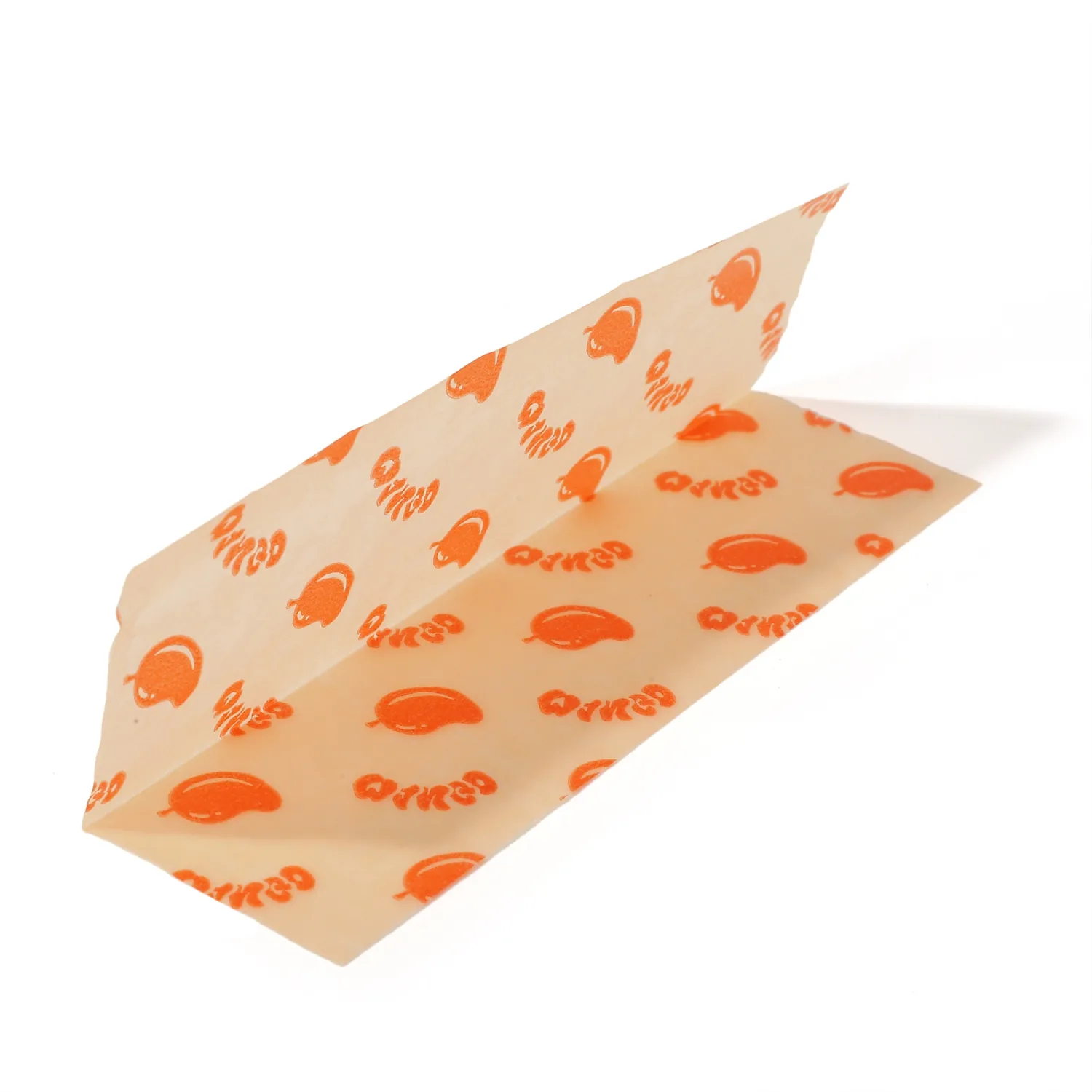
Most design software defaults to RGB unless you set the document up in CMYK from the first step, and most brand teams designing their own logo or packaging in-house have never had a reason to think about this. The color shift isn’t always dramatic, but on a brand’s signature color—the one thing they’ll notice immediately on the physical proof—it’s often the difference between “that’s exactly our color” and “that’s close, but not quite.” I’d rather flag this before the first print run than after.
Custom papers: https://ace-rolling.com/custom-rolling-papers/.
What Resolution and File Type Do I Actually Need From You?
I get logo files pulled from websites more often than I’d like to admit.
Send vector files (AI, EPS, or vector PDF) whenever possible, or a minimum 300 DPI raster file at final print size—anything pulled from a website is almost always too low-resolution for print.
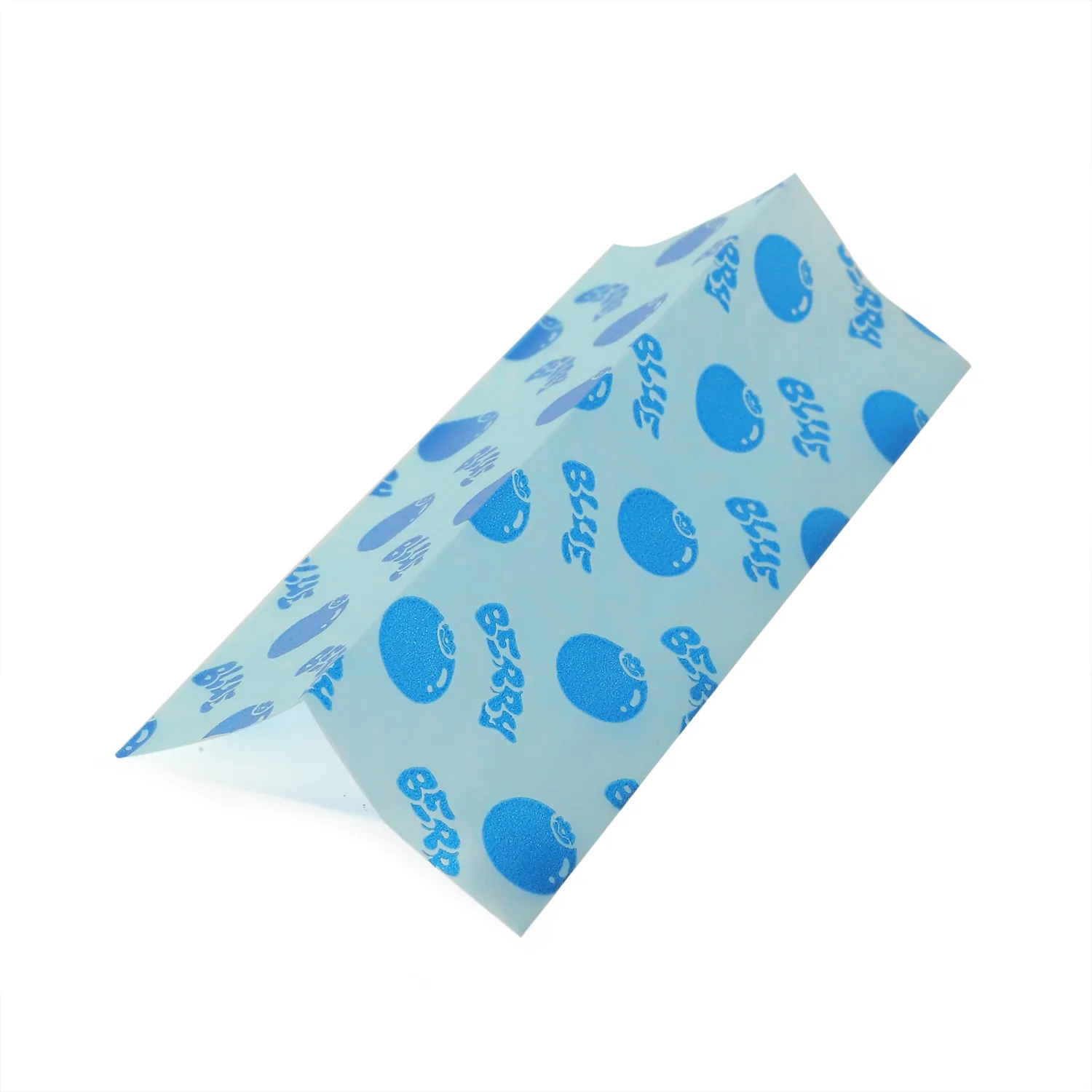
A website logo is typically sized and compressed for fast page loading, not for print reproduction. Vector files avoid the resolution problem entirely because they scale cleanly to any size, which is why I ask for the original design file rather than a screenshot or web export whenever a brand has one available. If a vector file genuinely doesn’t exist, a 300 DPI raster at the actual final print dimensions is the fallback minimum I’ll accept before flagging a quality concern.
| File source | Print reliability |
|---|---|
| Original vector file (AI/EPS/PDF) | Best—scales cleanly to any size |
| Original raster file at 300+ DPI | Acceptable fallback |
| Website export or screenshot | Almost always too low-resolution |
How Does Bleed and the Dieline Template Affect Your Print Result?
Buyers are often surprised their design gets cut differently than expected.
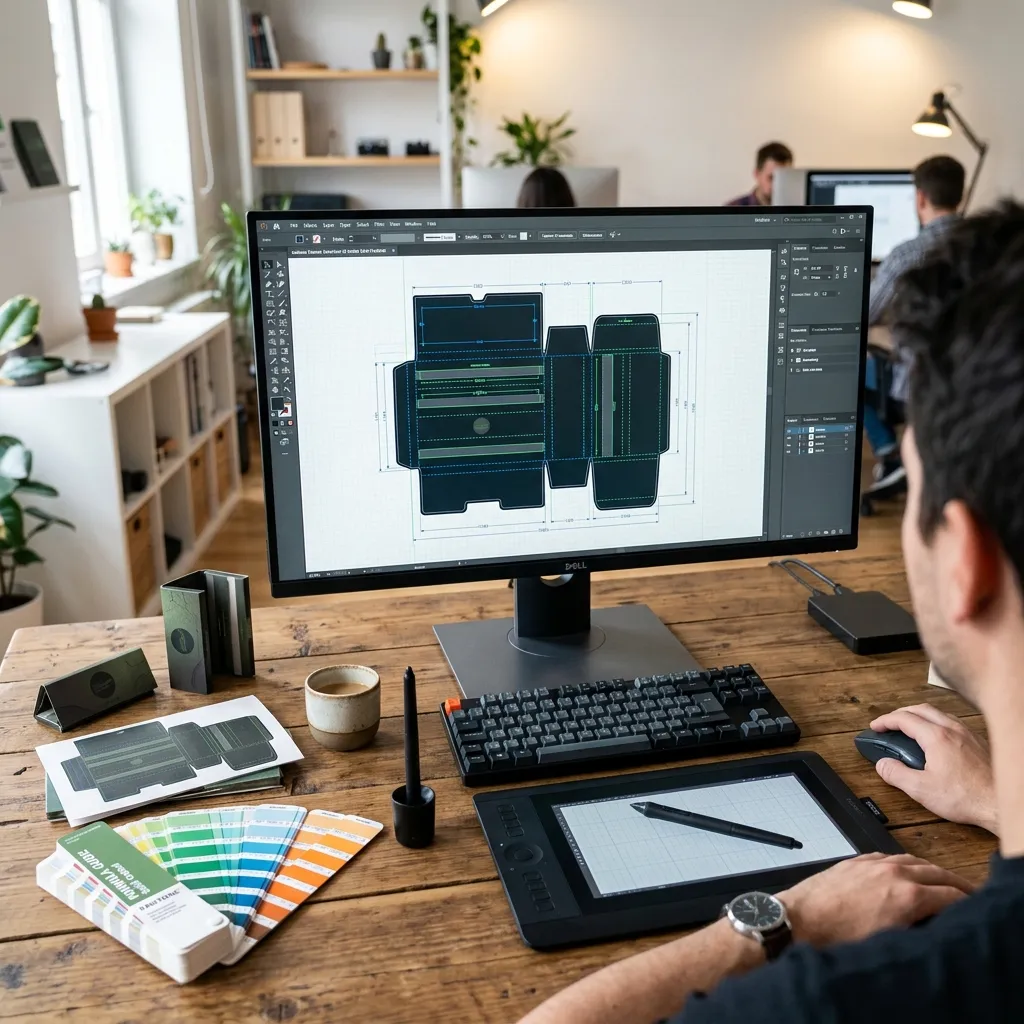
Design elements meant to reach the edge of your booklet or packaging need to extend past the cut line into a bleed margin, and your entire layout should be built on the actual dieline template for your specific product format—not a generic rectangle.

Every product format—booklet cover, cone display box, paper tube—has its own dieline: the template showing exactly where folds, cuts, and bleed margins fall for that specific structure. A layout designed without the actual dieline risks having text or logos land too close to a fold or cut edge, which only becomes visible once the physical proof comes back. I send the correct dieline template before a brand starts designing, specifically to avoid this.
Can You Match an Exact Brand Color, or Just Get Close?
This question comes up on nearly every custom order.
Standard CMYK printing gets close to most brand colors but can’t guarantee an exact match to a specific Pantone spot color—if exact color matching matters to your brand, flag it up front so we can discuss what’s realistically achievable for your print method.
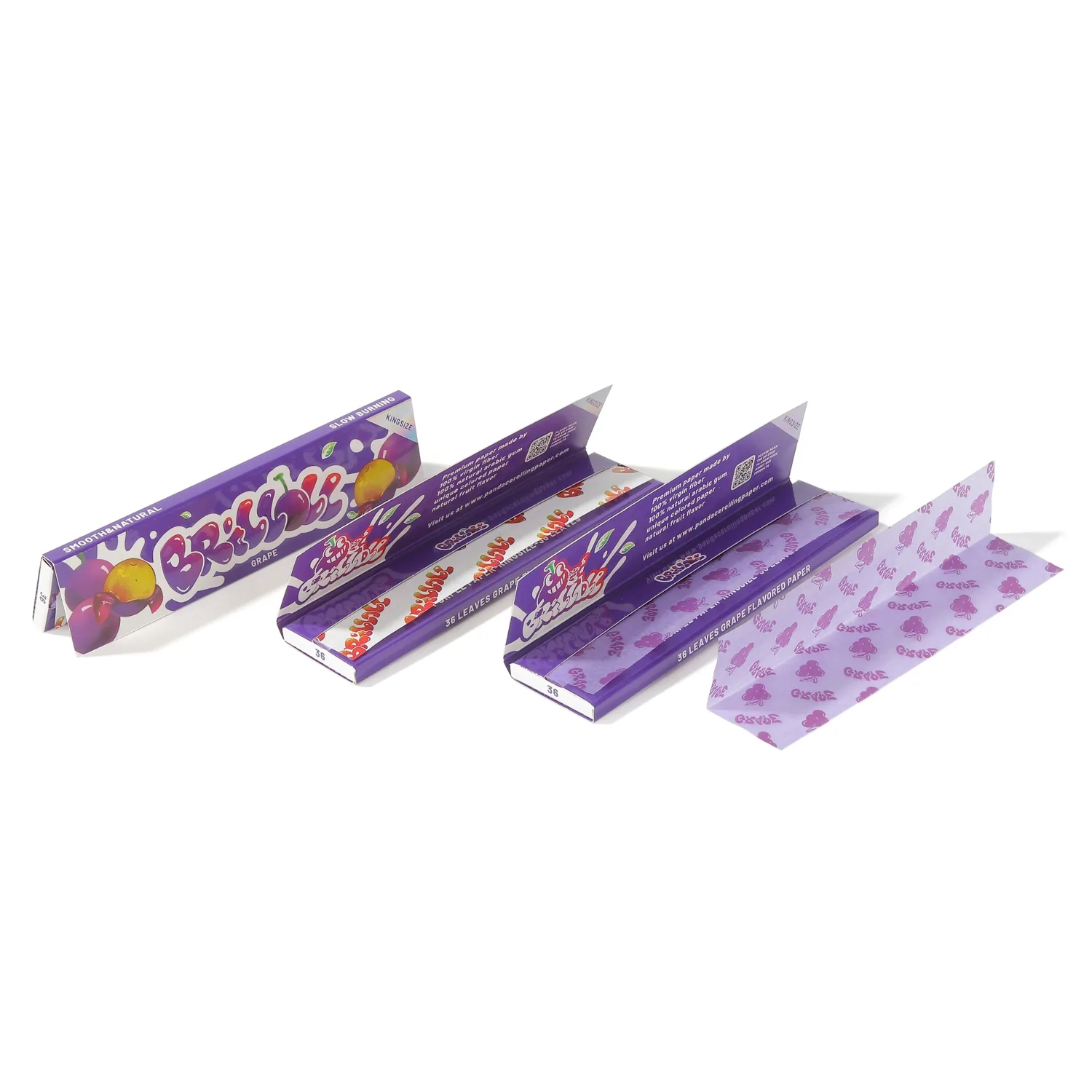
CMYK process printing builds color from four ink combinations, and while it gets close to most colors, an exact Pantone spot color match isn’t guaranteed through standard CMYK output. I ask brands whether their brand guidelines specify an exact Pantone number early in the conversation, because that changes what I recommend for the print process and sets realistic expectations before the first proof, not after a color comparison disappoints someone.
Do Fonts Need to Be Outlined Before You Send Me the File?
I’ve had proofs come back with the wrong font substituted because this step got skipped.
Yes—outline or embed all fonts in your final file before sending it, or the software on my end may substitute a different font if it doesn’t have the exact one your file references.
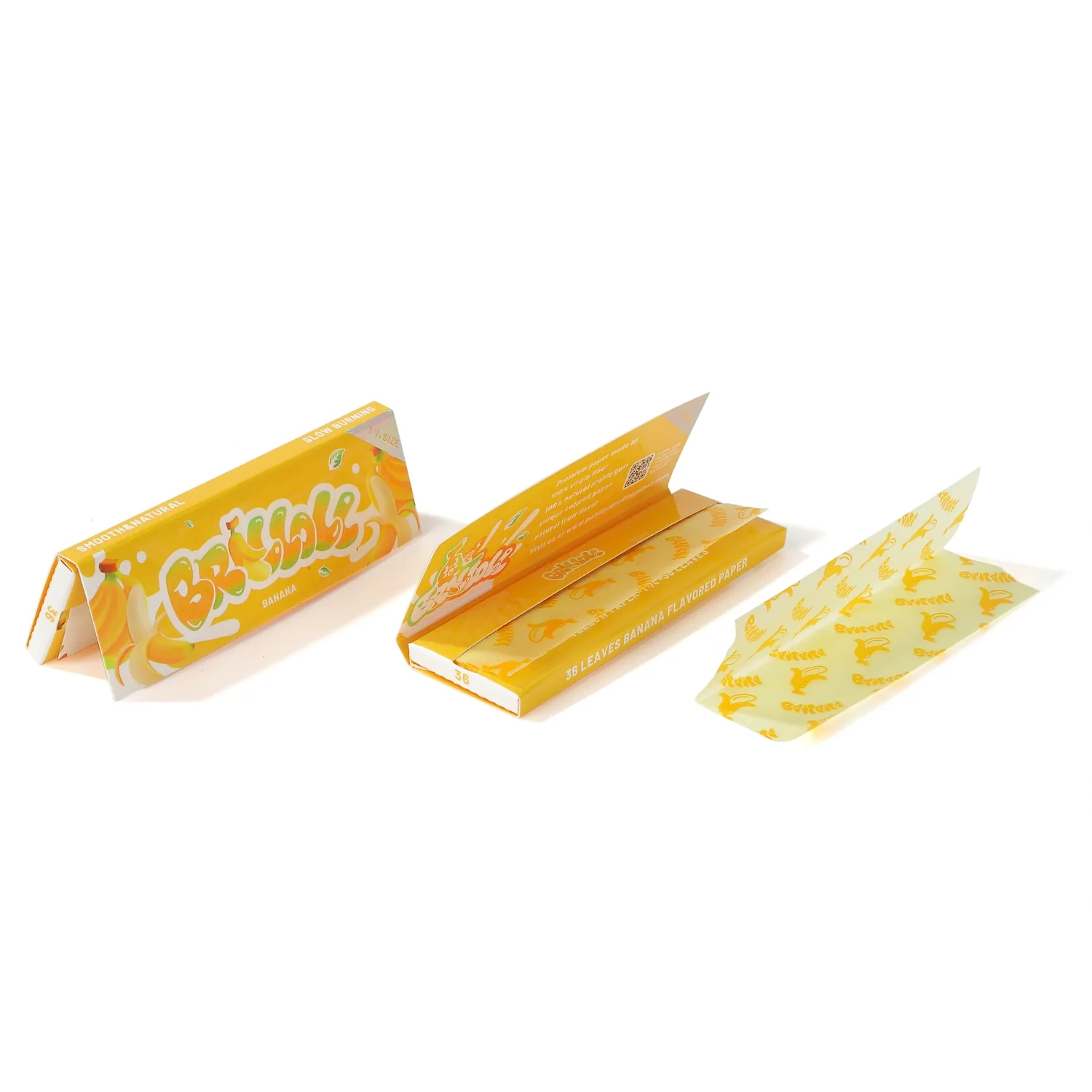
Outlining converts text into permanent vector shapes so the exact letterforms travel with the file regardless of what fonts are installed on the receiving end. Skipping this step is a common, avoidable cause of a proof coming back with subtly (or not so subtly) wrong typography, and it’s a five-second step in most design software before export.
How Do You Brief and Approve Artwork Before Mass Production?
I’d rather catch every issue on the digital proof than on a physical sample, and definitely before mass production.
Send your file with correct color mode, resolution, dieline, and outlined fonts, review a digital proof for placement and color accuracy, then approve a physical sample before confirming your production MOQ.
| File requirement | Why I check it |
|---|---|
| CMYK color mode | Prevents unexpected color shift from RGB |
| Vector or 300 DPI minimum | Prevents blurry or pixelated print |
| Built on actual dieline | Prevents misaligned cuts and folds |
| Outlined/embedded fonts | Prevents font substitution errors |
Ace’s custom booklet and cone programs quote from roughly USD $0.07–$0.30 per booklet and USD $0.04–$0.06 per cone wholesale, MOQ applying depending on size, material, print, and packaging. Send the file spec above with your quote request and I can usually turn around an accurate proof faster.
FAQ
What should private label rolling paper artwork include?
Your file needs CMYK color mode, a minimum of 300 DPI resolution (or vector format), outlined fonts, a proper bleed margin, and it needs to be built on the actual dieline template for your booklet or cone format. Skipping any of these five elements is the most common reason a first print proof comes back needing revision.
Why does my logo look different in the printed proof than on my screen?
This usually happens when a file was built in RGB, the color mode used for screens, and then converted to CMYK for print—the conversion can shift certain colors noticeably. Building your file in CMYK from the start, rather than converting a screen-ready file at the last step, avoids most of this color-shift surprise before it reaches a physical proof.
Can I just send my logo from my website for printing?
Usually not reliably. Website logos are typically compressed and sized for fast page loading rather than print reproduction, so they often fall well below the 300 DPI minimum needed for a clean print result. A vector file (AI, EPS, or vector PDF) or the original design file avoids this resolution problem entirely.
Can you match my exact brand color using standard printing?
Standard CMYK process printing gets close to most brand colors but doesn’t guarantee an exact match to a specific Pantone spot color. If your brand guidelines specify an exact Pantone number, flag that early in your quote request so we can discuss what color matching is realistically achievable for your specific print method and material.
What happens if I forget to outline my fonts before sending my file?
The software processing your file may substitute a different font if it doesn’t have the exact typeface your file references, which can silently change your typography in the printed result. Outlining converts your text into fixed vector shapes before export, which is a fast step in most design software and prevents this substitution issue entirely.
How does Ace Rolling handle artwork approval before mass production?
I ask for a print-ready file meeting the color mode, resolution, dieline, and font requirements above, then provide a digital proof for you to review placement and color accuracy. After digital proof approval, I recommend a physical sample before confirming your production MOQ, since some issues only become visible on the actual printed material.
Ready to Send Your Artwork File?
Send a CMYK, 300+ DPI, dieline-built file with outlined fonts, and I’ll turn around an accurate proof.
- Custom rolling papers: https://ace-rolling.com/custom-rolling-papers/
- OEM/ODM programs: https://ace-rolling.com/oem-odm-rolling-paper-manufacturer/
- Quote: https://ace-rolling.com/contact/